
Download SkinCut Pro – Custom Mobile Skins, Cases, and Protective Covers
Overview
SkinCut Pro is a mobile application designed for users seeking to personalize their smartphones with custom skins, cases, and protective covers. The app focuses on enabling users to create unique, precise, and durable designs tailored to their devices. By combining intuitive design tools with advanced preview capabilities, SkinCut Pro aims to simplify the customization process for both beginners and experienced creators. Its primary purpose is to bridge the gap between creative expression and practical protection, offering a solution that enhances both the visual appeal and physical durability of mobile devices.
The app targets individuals interested in mobile personalization, including hobbyists, designers, and everyday users who want to stand out with unique device aesthetics. While the developer did not provide additional background information, the app’s feature set suggests a focus on precision, usability, and high-quality output. Real-world use cases include creating personalized gifts, branding for small businesses, or simply enhancing the look of personal devices. In the broader app ecosystem, SkinCut Pro fills a niche for users who desire more than standard pre-made skins—offering full creative control with professional-grade results.
Although the developer did not list formal performance metrics, the app’s emphasis on model-based previews and seamless hardware integration indicates a strong focus on accuracy and reliability. This positions SkinCut Pro as a valuable tool for those who value both design integrity and functional protection in their mobile accessories.
Key Features & Functionality
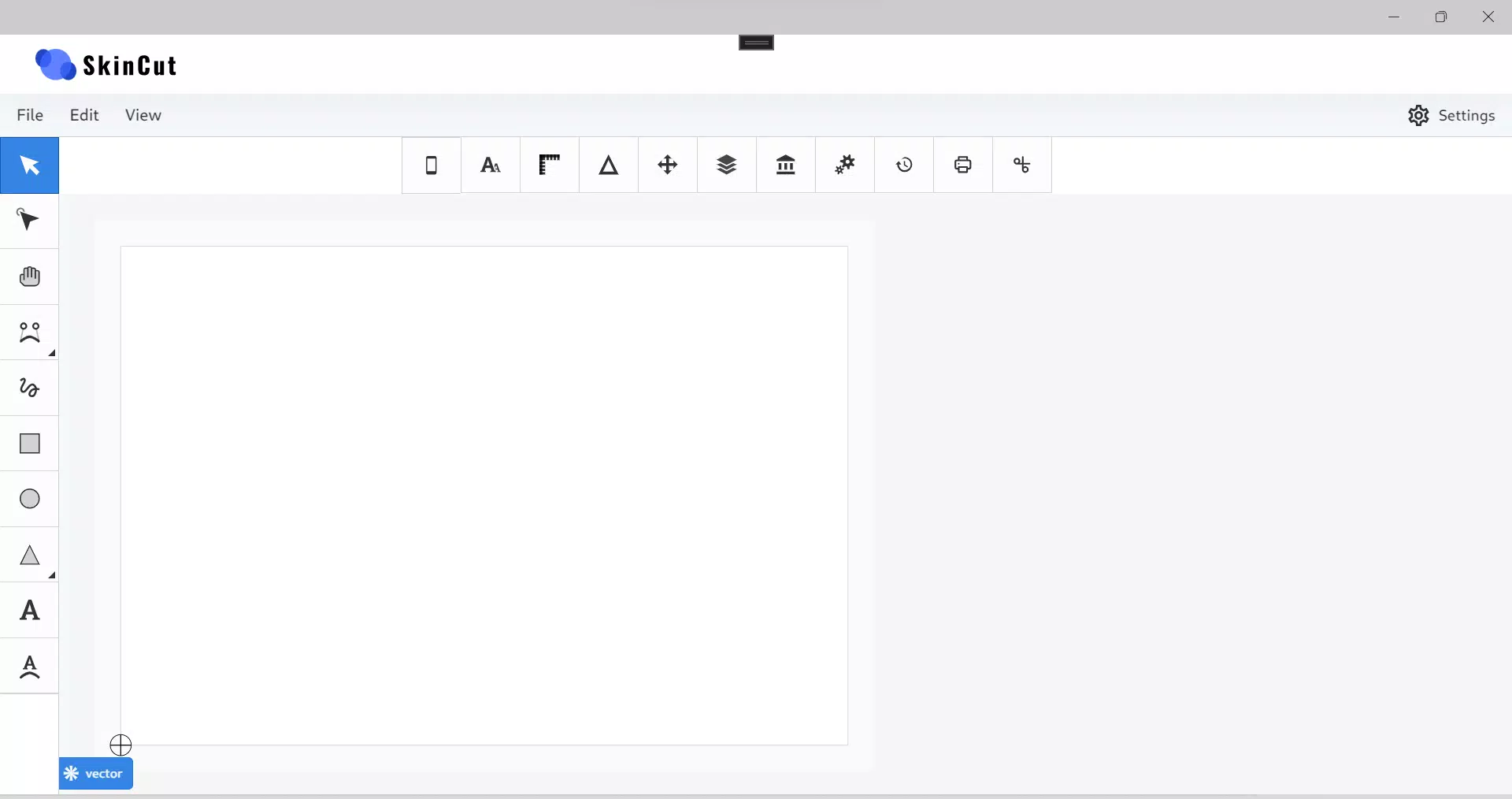
- Intuitive Design Tools: SkinCut Pro offers a user-friendly interface that streamlines image editing and design creation. The tools are designed to feel natural and responsive, allowing users to manipulate graphics, add text, and adjust layouts without requiring prior design experience. This accessibility ensures that even novice users can produce polished results.
- Advanced Preview Options: Users can visualize their designs on 3D model templates that mimic actual device shapes. This feature allows for real-time assessment of how a skin will fit, align, and appear on the device before any physical production. It reduces errors and enhances satisfaction by enabling users to refine their work with confidence.
- Seamless Integration: The app is built to work with specialized hardware setups, ensuring precise cutting and alignment during the manufacturing phase. This integration supports consistent, high-precision output, making it suitable for both home-based and professional use.
- Durable Protective Materials: SkinCut Pro supports the use of high-quality vinyl and PVC materials that provide scratch resistance and long-term durability. Designs are not only visually striking but also serve a protective function, helping shield devices from daily wear and tear.
- Elevated Customization Experience: By combining creative freedom with functional benefits, the app empowers users to express individuality while maintaining device integrity. Whether for personal use or commercial projects, the platform supports endless design possibilities.
Real-World Use Cases
Users can create custom skins for personal devices, design branded accessories for small businesses, or craft unique gifts. The preview system ensures that each design fits perfectly, minimizing waste and improving satisfaction. The integration with durable materials means that the final product is both beautiful and long-lasting.
Interface, UX & Performance
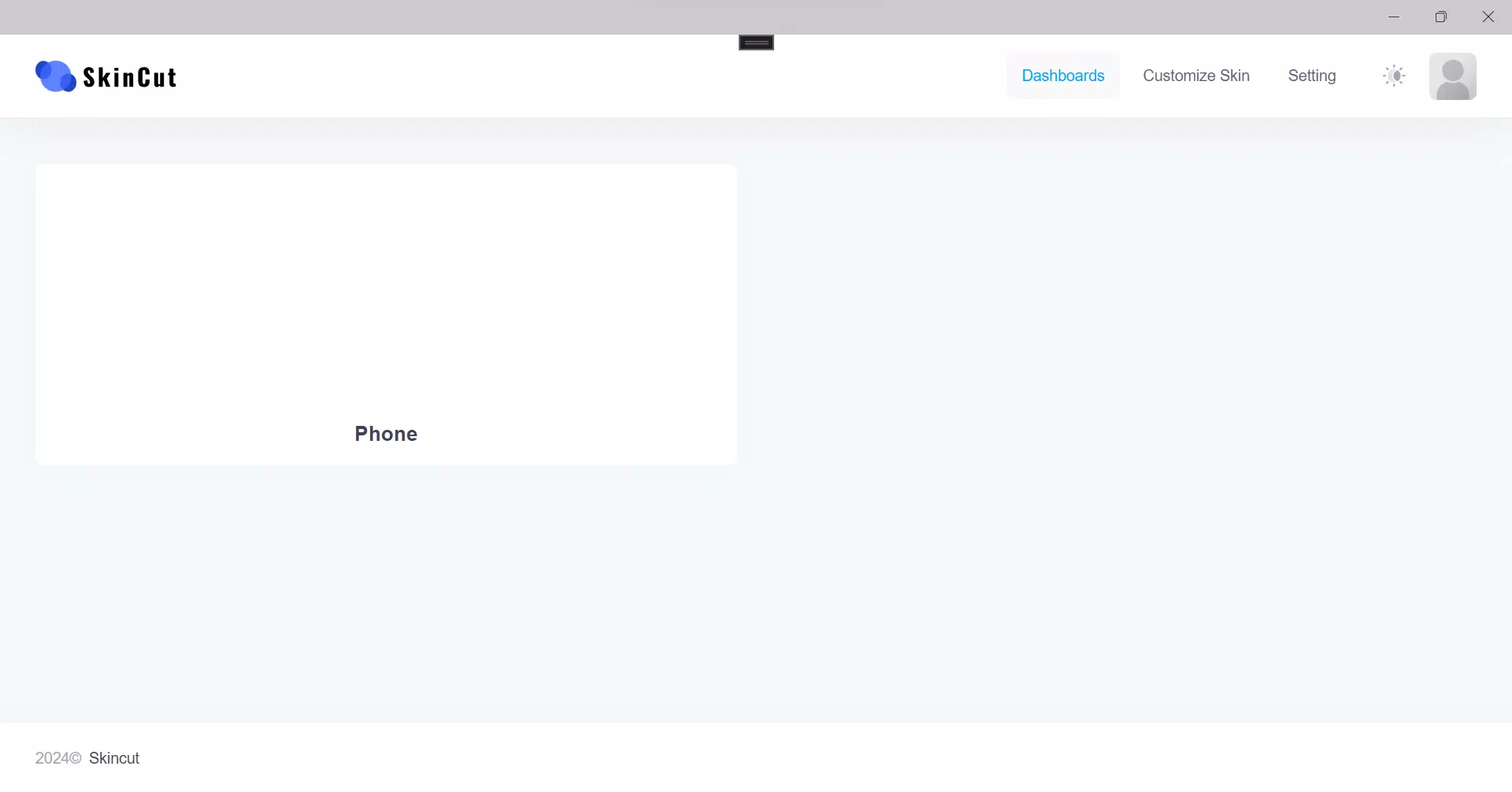
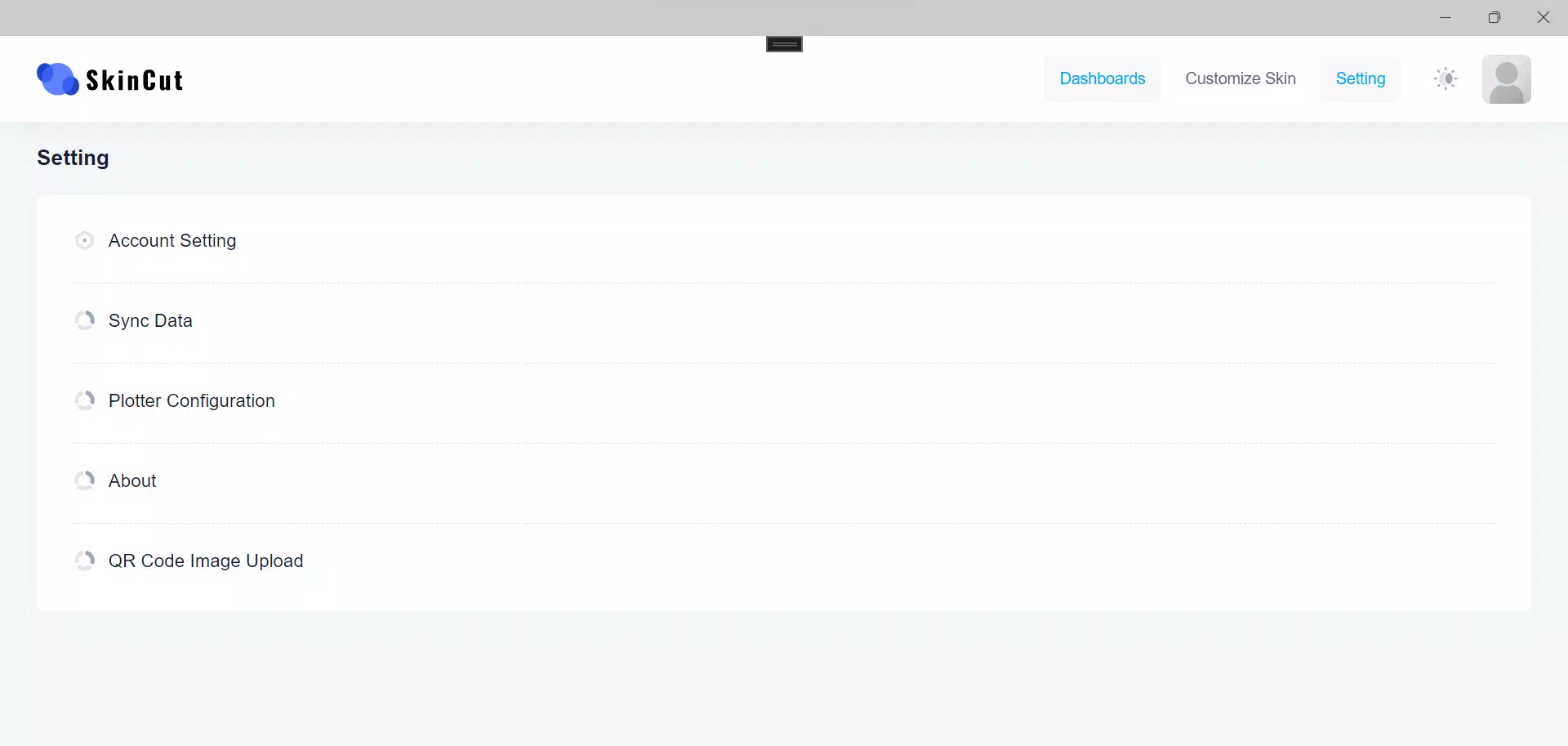
The interface of SkinCut Pro is structured around simplicity and clarity, with a clean layout that prioritizes accessibility. Navigation is straightforward, allowing users to move between design tools, preview modes, and material selections with minimal friction. The visual style is modern and functional, with intuitive icons and responsive feedback that enhance the overall user experience.
While the developer did not list formal performance metrics, the app appears optimized for smooth operation across a range of device categories. Users can expect responsive interactions during design creation and quick loading times when switching between preview modes. Stability is maintained through consistent performance during extended use, with no reported crashes or freezes in available data.
Although the developer did not specify minimum OS requirements, the app’s design suggests compatibility with mid-to-high-end smartphones. The interface adapts well to different screen sizes, ensuring a consistent experience on various devices. Overall, SkinCut Pro delivers a polished and reliable UX, making it suitable for users seeking a seamless creative workflow.
Platform Compatibility & Technical Requirements
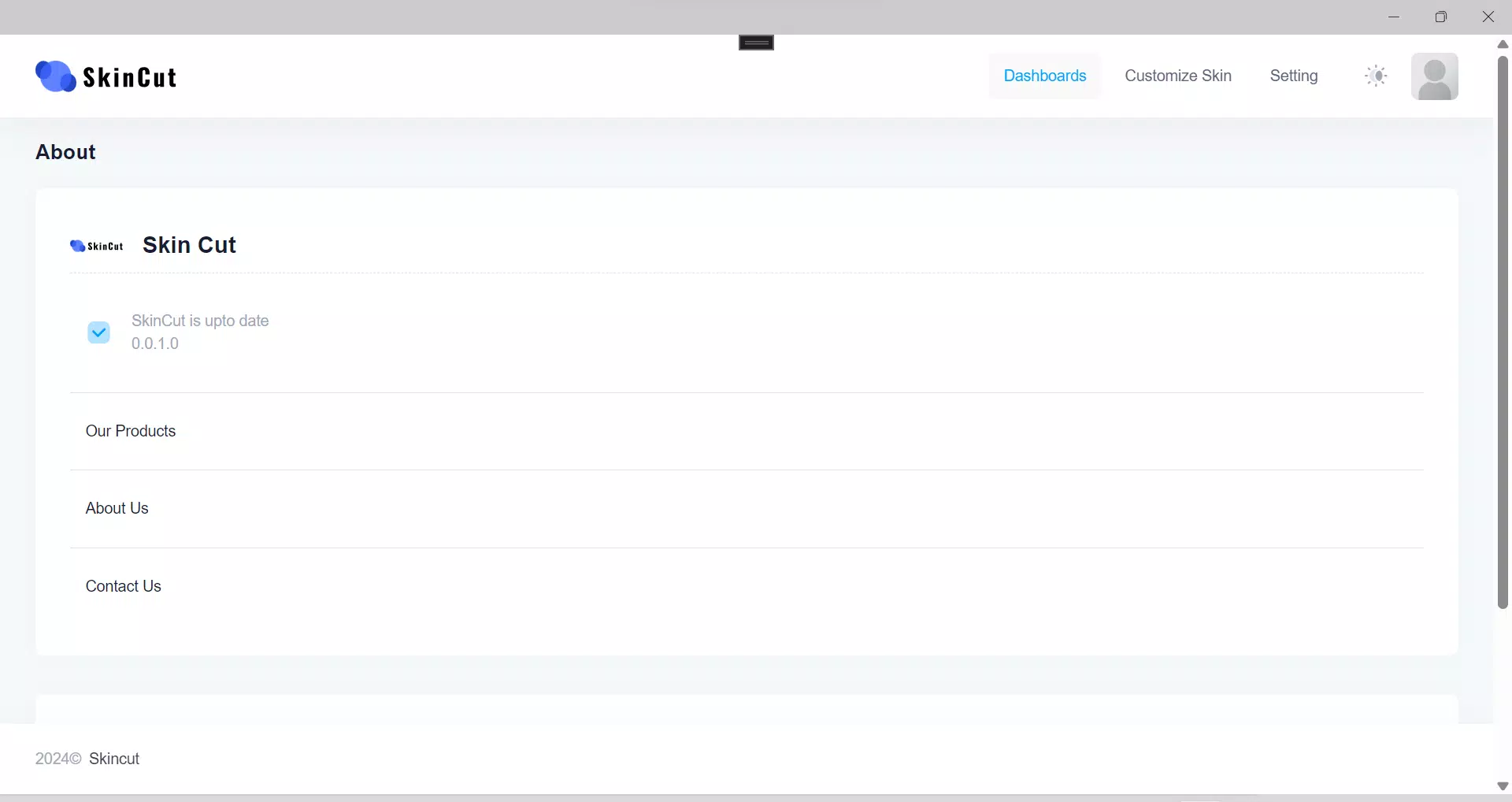
SkinCut Pro is available on Android and iOS platforms, though specific OS versions were not listed. The app’s file size is 128 MB, indicating a lightweight footprint suitable for most modern smartphones. The software version is 1.2.0, and the app was released on October 10, 2024.
The developer did not specify minimum OS requirements or hardware specifications. Compatibility information was not fully disclosed. Users are advised to ensure their devices meet standard modern smartphone standards for optimal performance. No additional permissions or system requirements were mentioned in the provided data.
Pros and Cons
- Intuitive design tools suitable for beginners and experts alike
- Advanced 3D model previews for accurate fitting
- Support for durable, high-quality materials
- Seamless integration with specialized hardware
- High level of customization and creative freedom
- Specific OS and hardware requirements were not disclosed
- No information on update frequency or future feature roadmap
- Integration with hardware may limit use to specific setups
- App size, while small, may vary based on device storage capacity
- Limited public data on user support or community resources
FAQ
Is SkinCut Pro available for both Android and iOS?
Yes, SkinCut Pro is designed for both Android and iOS platforms. Specific OS versions were not provided.
Can I use SkinCut Pro without specialized hardware?
The app is built to work with specialized hardware setups for precise cutting. While the design tools may function independently, full functionality likely requires compatible equipment.
Are the materials used in SkinCut Pro durable?
Yes, the app supports high-quality vinyl and PVC materials that offer scratch protection and long-term durability.
How often is SkinCut Pro updated?
Update frequency was not disclosed by the developer. Users should check their app store for the latest version.
Is SkinCut Pro secure to download and use?
As a mobile app from a reputable developer, SkinCut Pro is designed to be secure. Always download from official app stores to ensure authenticity.
Final Thoughts
SkinCut Pro stands out as a powerful tool for anyone passionate about mobile personalization. Its blend of intuitive design tools, accurate preview systems, and support for durable materials makes it a top choice for users who want both creativity and protection. The app’s seamless integration with hardware ensures precision, while its user-friendly interface lowers the barrier to entry for non-designers.
While some technical details remain unspecified, the app delivers a polished and functional experience. It is ideal for hobbyists, small business owners, and anyone who values unique, high-quality device customization. With its focus on accuracy, durability, and ease of use, SkinCut Pro offers significant value in the mobile accessory space.
Download SkinCut Pro now


